There's a moment most of us have had: a phone slips into a sink, a laptop gets stolen, a hard drive just stops spinning one morning. And then, relief — because the photos and documents weren't really on that device. They were "in the cloud." It feels a little like magic, and that's exactly the problem. When something feels magical, you stop asking where your stuff actually went and who can reach it now.
I find cloud storage genuinely useful, and I use it every day. But the more comfortable you get with it, the more worth it is to understand the trade you're making. Convenience always costs something. Here it costs a measure of control, and sometimes privacy. Let's pull the curtain back.
What "The Cloud" Really Is#
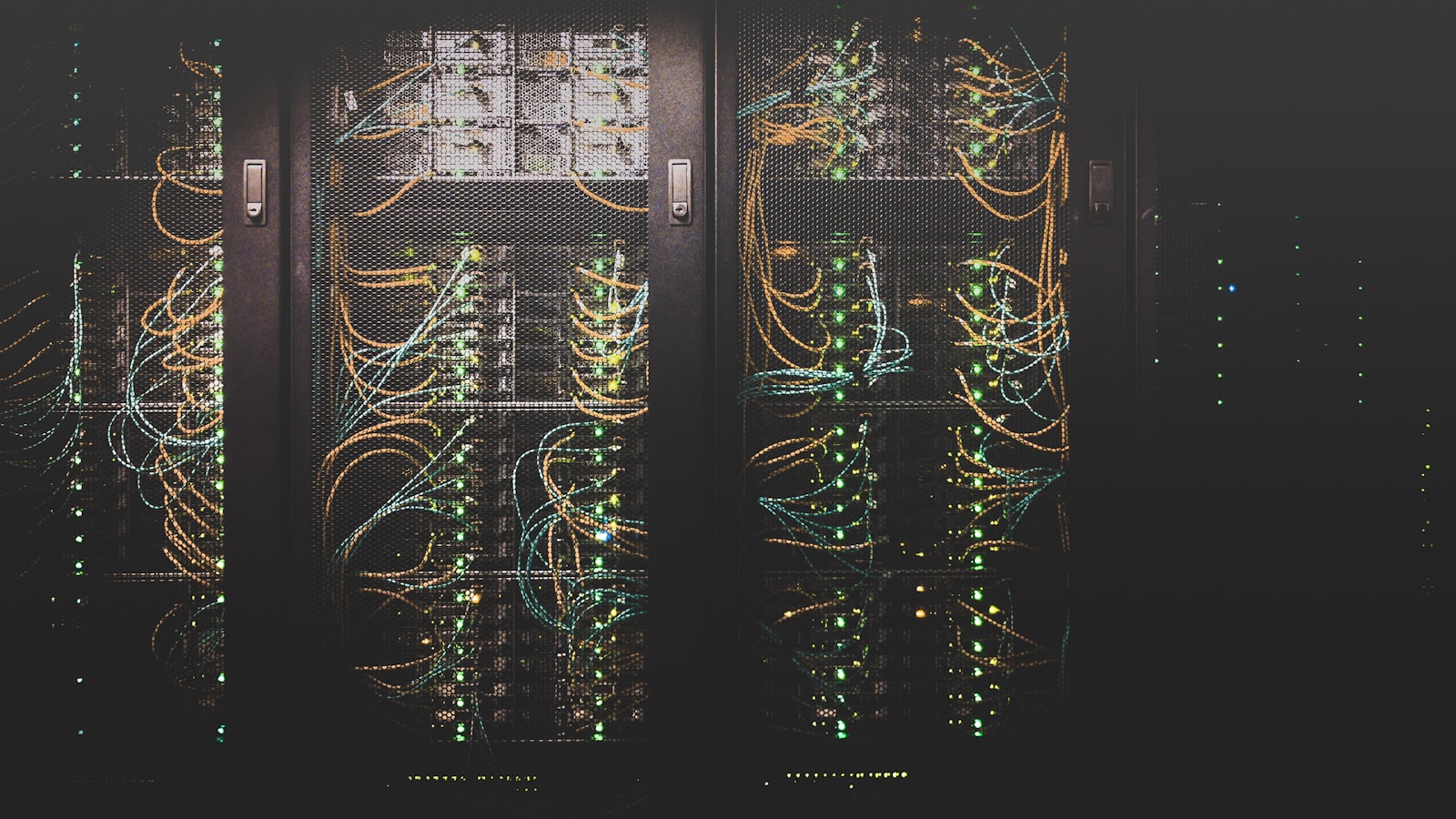
Strip away the marketing and the cloud is wonderfully boring: it's other people's computers. When you save a file to a cloud service, it travels over the internet to large buildings full of servers — data centers — run by a company. Your file sits on their drives, often copied across several machines so that if one fails, your data survives. When you open that file later, it streams back down to whatever device you're holding.
That's the whole trick. The benefit is obvious. Your files aren't trapped on one fragile gadget. You can reach them from your phone, your laptop, a friend's computer. The catch is just as real: those files now live somewhere you don't own, managed by a company whose rules, prices, and security practices you have to trust. You've gained reach and lost a little custody. Neither half of that sentence is more true than the other.
Syncing Is Not Backing Up (This Trips Up Almost Everyone)#
This is the single most important distinction in this whole article, and it's the one people most often miss.
Syncing keeps the same files matched across your devices and the cloud. Edit a document on your laptop, and the synced version updates everywhere within seconds. It's brilliant for working across devices.
Backup is different. A real backup is a separate, ideally older copy you can return to when something goes wrong. The trouble is that sync, by design, copies everything — including your mistakes. If you accidentally delete a folder, or a piece of malware scrambles your files, sync can dutifully push that disaster to every device and the cloud copy too. Speed becomes the enemy.
Syncing keeps your files identical everywhere — which is exactly why it will faithfully duplicate a disaster as eagerly as it duplicates your work.
Many services soften this with version history or a recycle bin that holds deleted files for a while, so you can roll back. Those are worth checking for and learning to use. But mentally, keep the two ideas apart. If your only "backup" is a sync folder, you have convenience, not safety. A genuine backup strategy keeps at least one copy that isn't instantly overwritten by your latest move.
The Real Trade-Off: Convenience Versus Control#
Here's where I get a little skeptical, and I think you should too. Putting files on someone else's servers means trusting that company with three things: keeping your data available, keeping it secure, and respecting your privacy. Most reputable providers do a reasonable job. But "reasonable" is doing some work in that sentence, and the details matter.
A few questions worth asking before you lean on any service:
- Who can read your files? Some services encrypt your data so that only you hold the key — often called end-to-end or zero-knowledge encryption. Others can technically access your files, whether to scan for prohibited content, power features, or comply with legal requests. Neither is automatically wrong, but you deserve to know which you're getting.
- What happens if you stop paying? Free tiers shrink, prices rise, and accounts get locked. Know how you'd get your files out before you pour years of life into a service.
- Where is the data stored, and under whose laws? Data centers sit in specific countries, and that can affect who can demand access to your information.
None of this means the cloud is unsafe or that you should retreat to a drawer full of hard drives. It means you're making an informed bargain instead of a blind one. The convenience is real. So is the fact that you've handed a slice of control to a third party.
Choosing by What You Actually Need#
Forget which service is "best" in the abstract — there isn't one. There's only what fits your situation. Sort yourself into a rough need first.
If you mostly want your photos and documents reachable from any device, ordinary consumer cloud storage with good sync is plenty. If you're protecting irreplaceable files — family photos, important records — pair the cloud with a separate backup, so a synced mistake can't wipe out your only copy. If privacy is your top priority, look specifically for services that offer end-to-end encryption, and accept that some convenience features may be limited as the trade. If you're storing sensitive or regulated material, that's beyond casual advice — treat it carefully and seek proper guidance.
A sane default for most people is a hybrid: use the cloud for everyday convenience and sharing, and keep at least one independent backup of anything you truly can't lose. Belt and suspenders. It's not paranoia; it's just refusing to keep all your eggs in a basket you don't own.
One last, unglamorous reminder. The specifics here — how much free storage you get, what a paid plan costs, which encryption options exist, how long deleted files are recoverable — change constantly and differ by region and plan. Use this article to understand the shape of the decision, then confirm the current details directly with whichever provider you're considering before you trust it with your files.
The cloud isn't magic, and it isn't a trap. It's a tool with a price tag that isn't only money — it's a bit of control and privacy in exchange for reach and resilience. Understand that exchange, keep a real backup of what matters, and you get the convenience without the nasty surprises. That's the whole game, and now you know how to play it.